
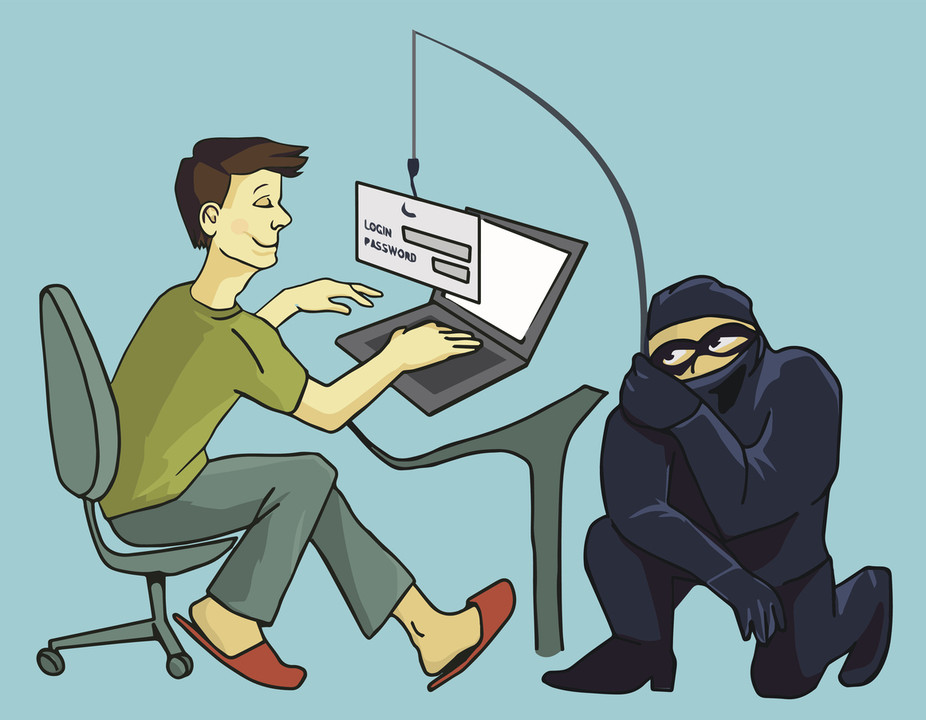
Suspicious links can arrive through email, text messages, social platforms, advertising, or compromised accounts belonging to people you know. Before opening anything unexpected, verify who sent it, inspect the destination carefully, and avoid letting urgency push you into a decision you wouldn’t normally make.
Why Suspicious Links Are Effective
Malicious links are often designed to look ordinary. They may imitate delivery notifications, account alerts, shared documents, refunds, workplace messages, or security warnings.
The message usually tries to create a reason to act quickly. Fear, curiosity, or the promise of a reward can distract you from checking whether the request makes sense.
Familiar Senders Can Still Be Risky
A message from someone you recognize isn’t automatically safe. Their account could have been compromised, allowing an attacker to send malicious links from a legitimate address.
If a message seems unusual, confirm it through another communication method before opening the link. Broader web safety coverage can be useful background, but verifying the sender directly remains one of the simplest checks.
Inspect Where the Link Really Goes
On a desktop, hovering over a link can reveal its destination before you open it. On many mobile devices, pressing and holding the link may show a preview or destination.
Look closely at the actual domain rather than familiar words elsewhere in the address. Attackers may use extra subdomains, spelling changes, or visually similar characters to imitate legitimate websites.
| Warning Sign | Example Pattern | Safer Response |
|---|---|---|
| Unexpected urgency | “Act now” warning | Open official service separately |
| Strange domain | Misspelled brand name | Don’t continue |
| Unknown attachment | Unrequested document | Confirm with sender |
| Login request | Password page from message | Type official address manually |
Avoid Logging In Through Unexpected Messages
Even if a page looks identical to a service you use, the domain matters more than the design. Phishing pages often copy logos, colors, and login forms convincingly.
If a message says your account needs attention, open the official app or type the known web address yourself. Discussions about online data practices may help build awareness, yet the safest habit is separating unexpected messages from your login process.
What to Do After Clicking
Accidentally opening a suspicious link doesn’t always mean your account or device has been compromised. Risk increases if you entered credentials, downloaded a file, installed software, or approved permissions.
If you entered a password, change it immediately from the legitimate service. If that password was reused elsewhere, change those accounts too. Review active sessions and enable multi-factor authentication if available.
People reading about internet protection methods should also remember that technical defenses can’t fully compensate for entering credentials into a fraudulent page.
Where Link Checking Can Fail
A normal-looking link can still lead somewhere dangerous after several redirects. Likewise, shortened URLs may hide the final destination.
Don’t assume a link is safe because it uses HTTPS either. Encryption protects the connection between you and the website; it doesn’t prove the website itself is trustworthy. Context, domain accuracy, and the legitimacy of the request still matter.
Frequently Asked Questions
Can opening a suspicious link infect my device immediately?
It can create risk, but the outcome depends on the page, browser, device, and what happens afterward. Downloads, credential entry, or permission approvals generally increase concern.
Should I trust links sent by friends?
Treat unexpected messages cautiously even when the sender is familiar. Confirm unusual requests directly because compromised accounts can be used to distribute malicious links.
How do I check a link without opening it?
Preview or inspect the destination where your device allows it, examine the domain carefully, and independently visit the official website when the message involves an account.
Verify Before You Commit
Most suspicious links rely on speed more than sophistication. Give yourself enough time to inspect the destination, question unexpected requests, and use official apps or known domains for sensitive tasks. That small pause can prevent a fake message from turning into stolen credentials, unwanted software, or a compromised account.









Leave a Reply